
↥your-video.mp4
01 / UPLOADStart with your video.
Upload a product demo, a UGC ad or another video you have permission to adapt.
You’ve found the message and made the video. Create more versions with AI character swaps, new voices and video translation with lip sync. No new shoot needed.
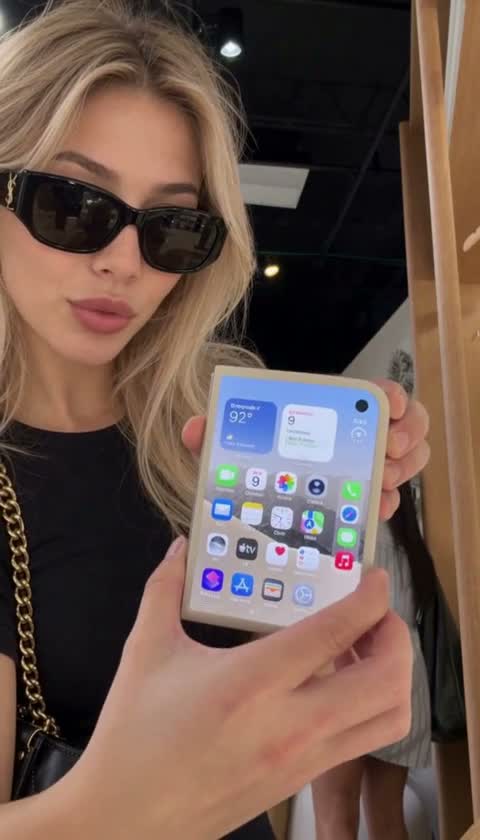
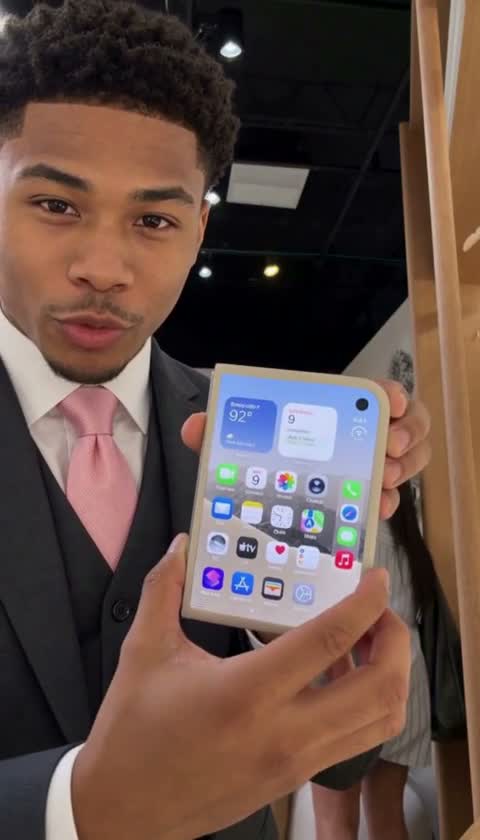
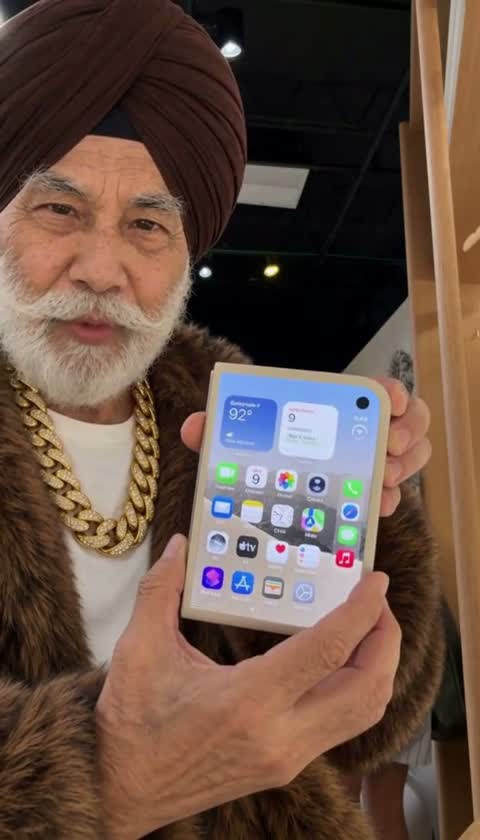
You’ve put time into the script, the presenter and the production. Build on the message and product demo that already work for you, with more options for your campaigns.
Create a version with a woman in a cream jacket, or a man in a bright pink shirt. Use the product demo you’ve already made and choose a voice to go with the new character.
Compare the presenters ↗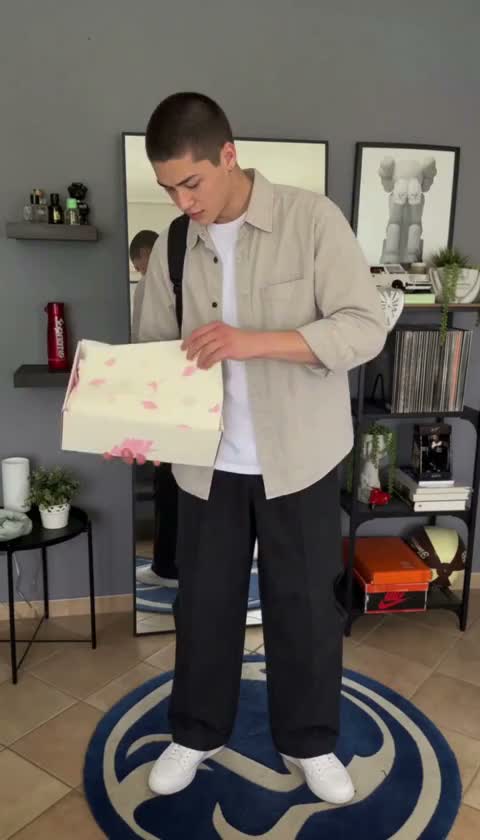
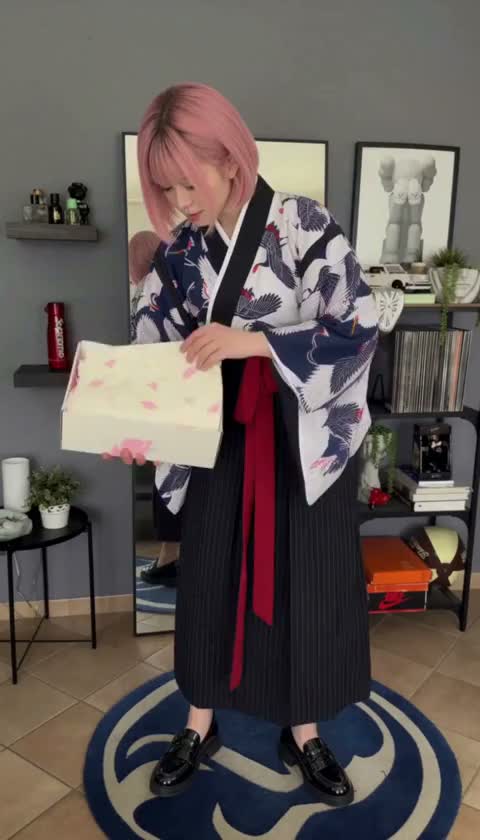
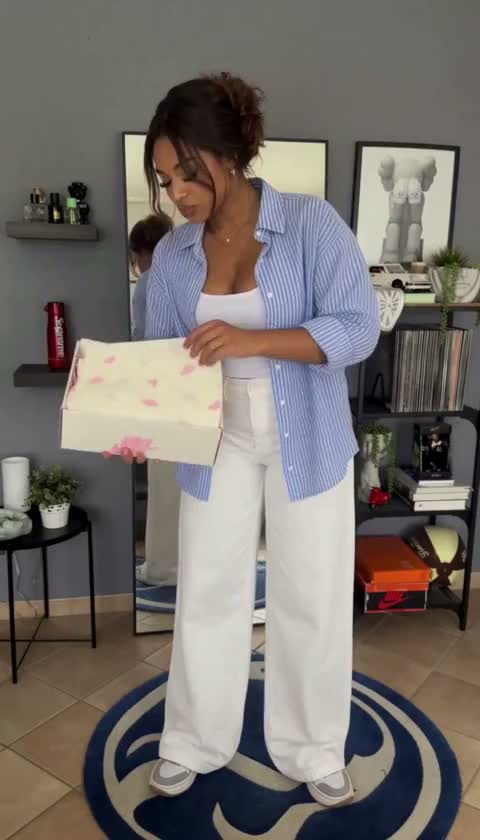
Give Spanish-speaking viewers the product pitch in their own language. Turn the English demo you already recorded into a Spanish ad for your next campaign.
Translate the speechExplain your product in the language your customers use.
Clone the original voiceKeep the speaker’s voice across language versions.
Sync speech and lipsMake the on-screen delivery follow the translated words.
Choose from 94 languages and 14 regional options, including French for France and Canadian French for Quebec. Make a version for the audience you want to reach next.
Language and regional options verified against VEED Dubbing Pro, November 2026.
Upload a product demo, a UGC ad or another video you have permission to adapt.
Describe a new presenter, or choose a target language for AI dubbing with lip sync.
Your next take ↗Play the result beside your original. Check the details, then export the new version for your campaign.
Character swaps, video translation
and early access.
Create more versions of a video ad you already have. Use AI character swaps to create versions with different presenters, change a character's voice, or translate your ad with voice cloning and lip sync.
No. Upload an existing video ad and use it as the source for new character or language versions. You need permission to adapt the video and the likenesses and voices in it.
Localization translates the speech, clones the speaker's voice, and synchronizes lip movements to the translated audio. Results depend on the source video and language, so review the output before sharing it.
Open the full language list above for the supported languages and regional options. These are based on VEED Dubbing Pro's current language support.
Use a video with audible speech. AdHype accepts uploads from 5 seconds to 5 minutes, up to 250 MB. Choose a clear recording where the speaker's mouth is visible.
AdHype is in private access. Join the waitlist for a welcome email and an invitation when access is available. Browse the tutorials and demonstrations to see the workflow.
Give your existing ad a new presenter, voice or language. Join the waitlist and we'll email you when access opens.
Different characters in the same scene.